Web Governance Integrations and AI
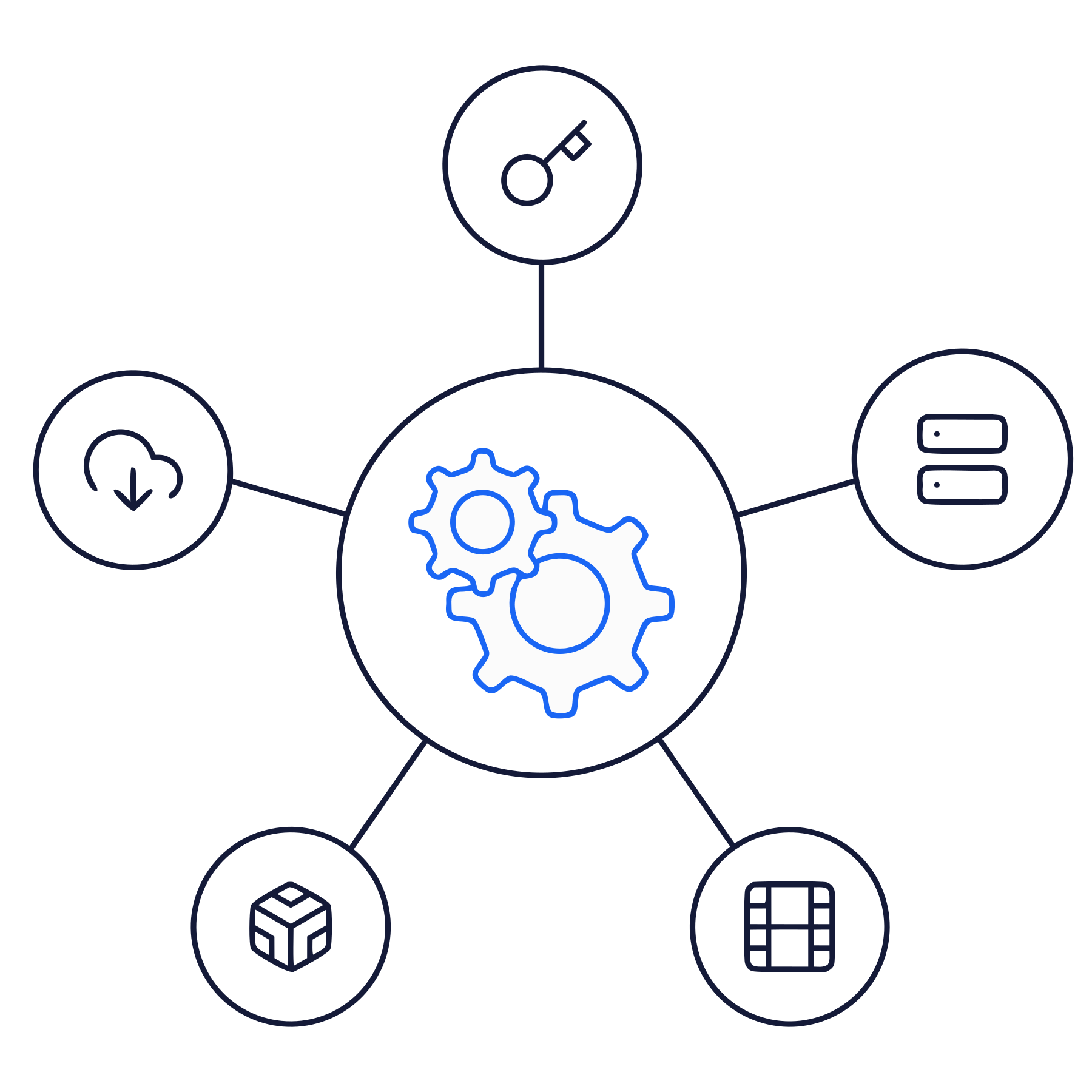
Find and fix issues where your team already works. Acquia Web Governance connects to your CMS, your browser, Jira, and the AI tools your team uses.
Fix Issues in Your CMS
Run a Quick Scan inside Drupal to catch accessibility, SEO, readability, and data privacy issues before a page goes live. For live pages, jump from any flagged issue straight to the page in Drupal, WordPress, or any other CMS to fix it. Editors fix problems where they already work, with no extra tools and no rework after launch.

Browser Extension
Review and fix pages in Chrome, Edge, or Firefox.
Get AI Fixes by Role: Remediation Companion suggests AI fixes for the page you are viewing, based on your role.
Review While You Browse: Inspect content and code for accessibility and usability issues, like heading order and missing alt text, right from the browser.
Spot Content Quality Issues: Find broken links and misspellings on the page you are viewing.

Send Issues to Jira
Create Jira tickets from accessibility issues in one click, so fixes go straight into the backlog your team already uses.

Use Web Governance in Claude
The MCP server brings Web Governance checks into Claude and other AI agents, so your team can find and fix issues from the AI tools they already use.

API Integration
Tailor Web Governance to your team's needs. The Acquia Web Governance API lets you connect the platform to your own applications and build custom workflows and plugins.