Drupal Hosting
Enterprise-grade managed hosting built for Drupal — optimized for performance, security, and scale from day one.
Running Drupal at enterprise scale demands more than generic web hosting. Acquia Cloud Platform delivers managed Drupal hosting services designed from the ground up for Drupal's architecture, giving your team the infrastructure, tooling, and expert support to build and ship faster.
What is Drupal Hosting?
Drupal hosting is web hosting infrastructure specifically configured and optimized for running Drupal-based websites and applications. Unlike generic hosting environments, Drupal web hosting accounts for the CMS's specific requirements — PHP-FPM tuning, database optimization, advanced caching layers like Varnish and Redis, and Composer-based dependency management — to deliver reliable performance at scale.
Organizations choose Drupal for its flexibility, security, and open source foundation. However, Drupal's power comes with infrastructure complexity. A properly configured Drupal hosting environment handles caching, content delivery, database replication, and security hardening so your team can focus on building experiences rather than managing servers.

Types of Drupal hosting
Drupal hosting services generally fall into several categories, each suited to different stages of growth and operational maturity:
Shared hosting
Multiple sites on a single server. Affordable for small projects, but limited in performance, security, and scalability.
Virtual private server (VPS)
Dedicated resources within a shared physical server. More control than shared hosting, but you manage the stack yourself.
Dedicated servers
Full hardware control. Maximum flexibility, but requires a team to provision, secure, and maintain the environment.
Managed cloud hosting (PaaS)
A purpose-built platform where the provider handles infrastructure, scaling, security, and updates.
For enterprise organizations, the shift toward managed cloud hosting reflects a broader trend: investing developer time in building features rather than managing infrastructure.
Go deeper: The Complete Guide to Drupal Hosting covers each hosting type in detail, with performance benchmarks and selection criteria.
Self-hosting Drupal puts the full weight of infrastructure management on your team — provisioning, patching, scaling, monitoring, and incident response. Managed Drupal hosting shifts that burden to a platform built specifically for Drupal, so your developers build features while the platform handles ops.
| Performance optimized for Drupal |
|---|
|
Managed Drupal hosting platforms pre-configure the caching layers, PHP runtime, and database connections that Drupal requires for fast response times. Acquia Cloud Platform includes Varnish page caching, Memcache for object caching, a global content delivery network (CDN), and PHP-FPM tuning calibrated for Drupal's architecture. The result is faster page loads, lower time to first byte (TTFB), and better Core Web Vitals scores compared to generic hosting where your team tunes each layer manually.
|
| Enterprise-grade security and compliance |
|---|
|
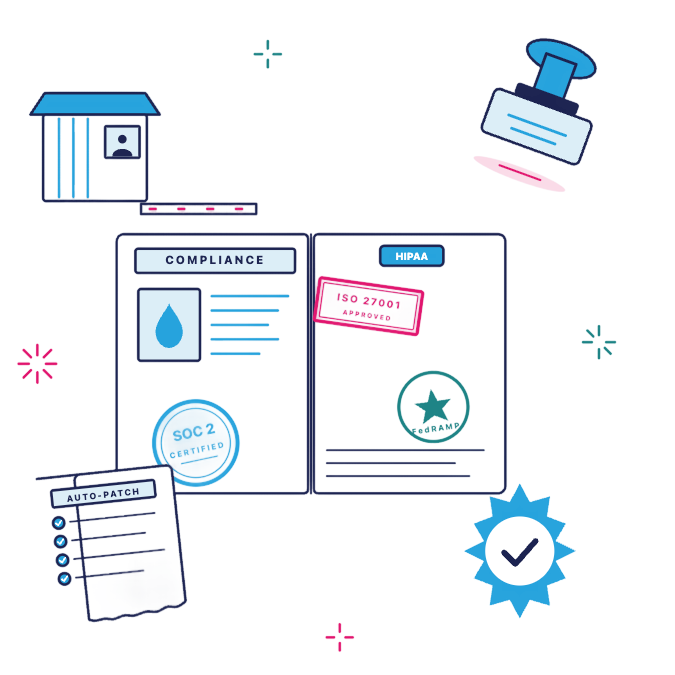
Security is built into the platform, not bolted on after the fact. Acquia hosting includes a web application firewall (WAF), distributed denial of service (DDoS) mitigation, automatic security patches for Drupal core, and continuous vulnerability scanning. For organizations in regulated industries, Acquia holds FedRAMP authorization, SOC 2 Type II certification, and HIPAA eligibility — compliance standards that are difficult and expensive to achieve on self-hosted infrastructure. Related: Drupal for Enterprise explores how large organizations use Drupal's security and compliance capabilities. |
| Automatic updates and patching |
|---|
|
Keeping Drupal secure means applying core and module updates promptly, especially security patches. On self-hosted infrastructure, that responsibility falls entirely on your team. Managed Drupal hosting automates this process. Acquia Cloud Platform applies security updates across the stack — from the operating system to Drupal core — so your team spends less time on maintenance and more time building.
|
| Scalability without re-architecture |
|---|
|
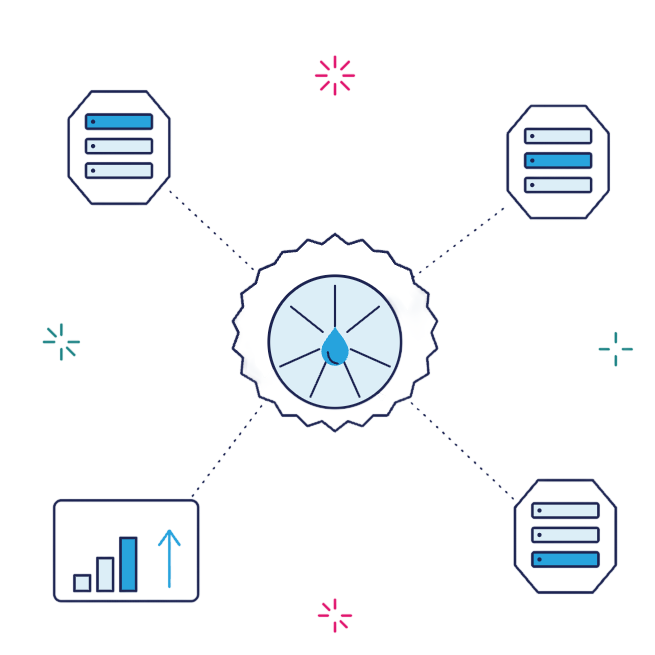
Traffic spikes during campaigns, product launches, or seasonal peaks can overwhelm infrastructure that wasn't built to scale. Acquia Cloud Platform uses Kubernetes-native container orchestration to scale resources automatically based on demand. Your site handles 10x traffic without your team manually provisioning servers or worrying about downtime during the moments that matter most.
|
| Developer productivity and CI/CD |
|---|
|
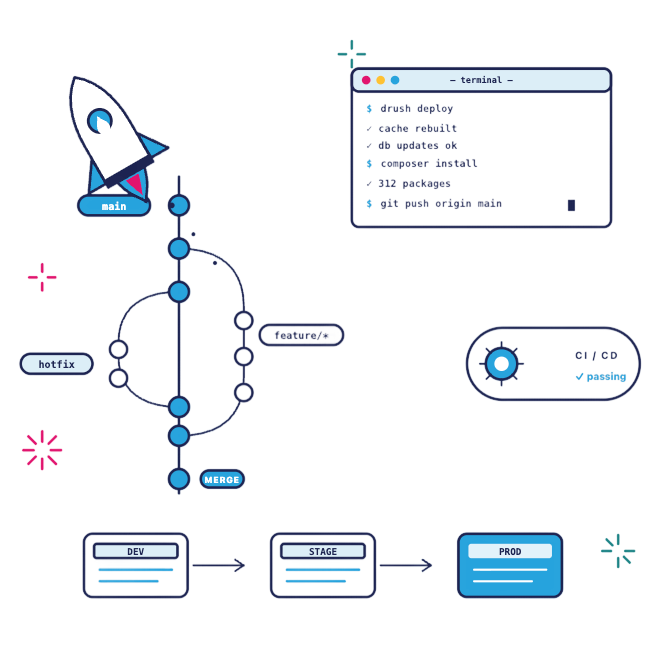
Managed Drupal hosting gives development teams the tools to move faster. Acquia Cloud Platform provides Git-based version control, integrated CI/CD pipelines, Drush and Acquia CLI support, and dedicated development, staging, and production environments. Developers push code through automated testing and deploy with confidence, knowing the platform handles the infrastructure behind every environment.
|
Key Capabilities of Acquia Drupal Hosting
High Availability
Acquia Cloud's Drupal hosting makes it easy for non-technical users to manage content. This helps teams create, edit, and publish content faster, reducing the need for developer support and accelerating content campaigns.
Edge Caching and CDN
Global content delivery with Drupal-aware caching rules. Pages load in milliseconds for visitors worldwide, improving engagement and search rankings.
Staging Environments
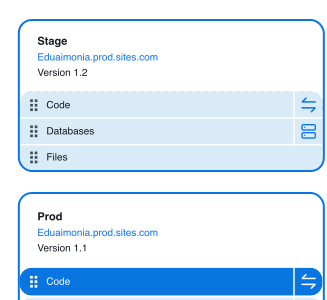
Dedicated development, staging, and production environments with one-click code promotion. Test changes safely before they reach your live site.
Backup and Recovery
Automated daily backups with point-in-time restore and cross-region replication. Recover from any incident quickly and confidently.
Monitoring and Observability
Real-time application monitoring, log streaming, uptime alerting, and performance dashboards give your team visibility into every layer of the stack.
Drupal-Native Tooling
Drush, Composer, and Acquia CLI are integrated natively. Your developers work with the tools they already know, without workarounds or plugins.
How to Choose a Drupal Hosting Provider
Not all Drupal hosting services are equal. Whether you are evaluating your first managed platform or migrating from self-hosted infrastructure, these are the criteria that matter most.
Drupal expertise and support
Does the provider employ Drupal specialists? Look for 24/7 support from engineers with deep Drupal knowledge — not generic hosting support reading from scripts. Acquia's support team includes certified Drupal experts who understand module architecture, performance tuning, and upgrade paths.
Infrastructure architecture
Evaluate whether the platform runs on modern cloud-native infrastructure (containers, Kubernetes) or legacy virtual machines. Cloud-native architecture enables faster scaling, better resource utilization, and more resilient deployments. Acquia Cloud Next runs on Kubernetes-native infrastructure purpose-built for Drupal.
Security and compliance posture
Ask about certifications (SOC 2, FedRAMP, ISO 27001), HIPAA eligibility, automatic patching cadence, and included security features (WAF, DDoS protection). The compliance burden for self-hosted environments is substantial — a managed platform should reduce that burden significantly.
Developer workflow
Your hosting platform should accelerate development, not slow it down. Evaluate Git integration, CI/CD pipeline support, Drush and Composer compatibility, the number of available environments, and CLI tooling. The goal is a workflow where developers deploy code confidently multiple times per day.
Migration and onboarding
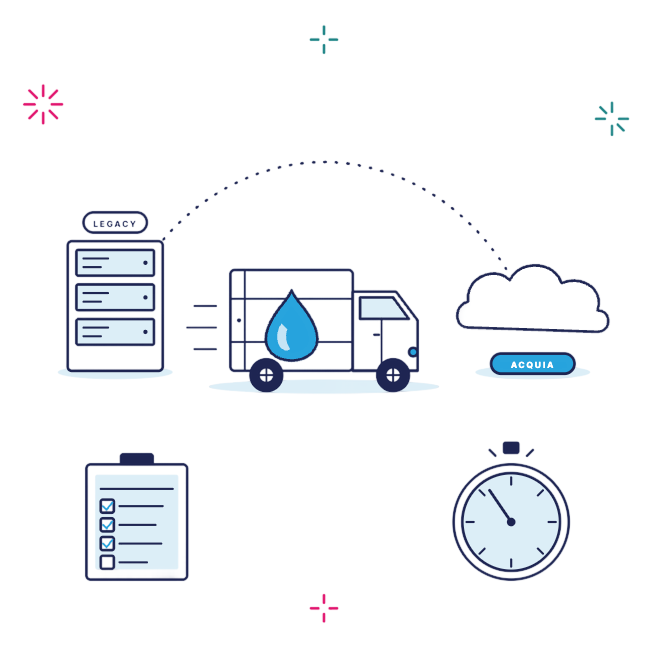
Understand the migration process before you commit. What level of onboarding support does the provider offer? Are there automated migration tools? What's the expected timeline and downtime during transition? Acquia provides dedicated migration support and tooling to move sites onto the platform without disruption.
Managed Drupal Hosting vs. Other Options
How does managed Drupal hosting compare to self-hosted, generic cloud, and other managed platforms? This breakdown highlights the key differences across what matters most for enterprise teams.
|
Capability
|
Managed (Acquia)
|
Self-Hosted (DIY)
|
Generic Cloud (AWS/GCP)
|
Other Managed (Pantheon, etc.)
|
|---|---|---|---|---|
|
Drupal-specific optimization
|
✓ Included |
Manual |
✗ Not included |
✓ Included |
|
FedRAMP authorization
|
✓ Yes |
✗ No |
Varies by service |
✗ No |
|
SOC 2 Type II
|
✓ Yes |
✗ No |
Varies by service |
✓ Yes |
|
Kubernetes-native architecture
|
✓ Yes |
✗ No |
DIY setup required |
Partial |
|
Auto-scaling
|
✓ Built-in |
✗ Manual |
Configurable |
✓ Built-in |
|
24/7 Drupal-expert support
|
✓ Included |
✗ Not available |
✗ Generic support only |
Limited |
|
Built-in CI/CD pipelines
|
✓ Yes |
Third-party tools |
Third-party tools |
✓ Yes |
|
Multisite management
|
✓ Site Factory |
Manual config |
Manual config |
Limited |
|
Dedicated migration support
|
✓ Yes |
✗ Self-service |
✗ Self-service |
Varies |
Managed Drupal Hosting vs. Other Options
How does managed Drupal hosting compare to self-hosted, generic cloud, and other managed platforms? This breakdown highlights the key differences across what matters most for enterprise teams.
|
Managed (Acquia)
|
Self-Hosted (DIY)
|
Generic Cloud (AWS/GCP)
|
Other Managed (Pantheon, etc.)
|
|---|---|---|---|
|
Drupal-specific optimization
|
✓ Included |
Manual |
✗ Not included |
✓ Included |
|
FedRAMP authorization
|
✓ Yes |
✗ No |
Varies by service |
✗ No |
|
SOC 2 Type II
|
✓ Yes |
✗ No |
Varies by service |
✓ Yes |
|
Kubernetes-native architecture
|
✓ Yes |
✗ No |
DIY setup required |
Partial |
|
Auto-scaling
|
✓ Built-in |
✗ Manual |
Configurable |
✓ Built-in |
|
24/7 Drupal-expert support
|
✓ Included |
✗ Not available |
✗ Generic support only |
Limited |
|
Built-in CI/CD pipelines
|
✓ Yes |
Third-party tools |
Third-party tools |
✓ Yes |
|
Multisite management
|
✓ Site Factory |
Manual config |
Manual config |
Limited |
|
Dedicated migration support
|
✓ Yes |
✗ Self-service |
✗ Self-service |
Varies |
Drupal Hosting Best Practices
Plan Your Stack Early
Define your caching strategy, CDN configuration, and PHP settings before migrating. A clear infrastructure plan prevents performance surprises after launch.
Automate From Day One
Set up CI/CD pipelines, automated testing, and scheduled backups immediately. Manual deployments introduce risk. Automation removes it.
Monitor and Optimize
Track Core Web Vitals, server response times, and error rates continuously. Use performance data to fine-tune caching rules and database queries.
Harden Security Proactively
Enable your WAF, configure Content Security Policy headers, and implement least-privilege access controls. Don't wait for an incident to get serious about security.
Stage Before You Deploy
Always test updates in staging. Use feature flags for high-risk changes. Never push directly to production — the few extra minutes save hours of incident response.
Plan for Traffic Spikes
Load-test before major launches or campaigns. Pre-configure auto-scaling rules for known traffic patterns so your site handles peak demand without manual intervention.
Compare providers: Acquia vs. Pantheon — Drupal Hosting Compared breaks down the key differences between leading managed Drupal hosting platforms.
See Acquia Cloud in Action
Discover how enterprise teams run mission-critical Drupal sites on Acquia's Kubernetes-native hosting platform.
Request a Demo Explore Acquia Cloud
| What is the difference between managed and self-hosted Drupal? |
|---|
|
Managed Drupal hosting means a specialized provider handles your infrastructure, security, updates, and scaling. Self-hosted Drupal means your team provisions and manages servers directly. Managed hosting reduces operational overhead and risk, while self-hosting offers maximum control at the cost of significant time and expertise. For most enterprise teams, managed hosting delivers better reliability with fewer resources.
|
| How much does Drupal hosting cost? |
|---|
|
Drupal hosting costs depend on traffic volume, the number of environments, support tier, and compliance requirements. Shared hosting may start under $50 per month, while enterprise managed platforms scale based on the organization's needs. Contact Acquia for a tailored quote based on your site's specific requirements and growth plans.
|
| Can I migrate my existing Drupal site to Acquia? |
|---|
|
Yes. Acquia provides dedicated migration support and automated tooling to move existing Drupal sites onto Acquia Cloud Platform. The migration process includes environment setup, code and database transfer, DNS cutover planning, and post-migration validation. Most migrations are completed with minimal downtime. Read more about Acquia Cloud Next for technical details.
|
| Is Drupal hosting the same as WordPress hosting? |
|---|
|
No. Drupal and WordPress have different server requirements, caching strategies, and performance profiles. Drupal typically requires more server resources and benefits from advanced caching layers (Varnish, Redis) and database tuning that WordPress hosting environments don't provide. A hosting platform optimized for one CMS will underperform for the other. For a deeper comparison, see Drupal vs. WordPress.
|
| What compliance standards does Acquia Cloud meet? |
|---|
|
Acquia Cloud Platform holds FedRAMP authorization (with multiple ATOs from U.S. federal agencies), SOC 2 Type II certification, ISO 27001 certification, and HIPAA eligibility. These certifications make Acquia a trusted choice for government agencies, healthcare organizations, and financial services companies with strict compliance requirements.
|
| Does Acquia support Drupal 11? |
|---|
|
Yes. Acquia Cloud Platform fully supports Drupal 11, including all new features, updated module compatibility, and the latest security patches. Teams upgrading from earlier versions can reference the Drupal 11 upgrade guide for step-by-step migration instructions.
|
Ready to Get Started?
Run Drupal With Confidence
Host your Drupal sites on the platform built by the people who know Drupal best. From development to production, Acquia Cloud Platform gives your team the performance, security, and support to build without limits.