
Get More From Every Visit
Use behavioral analytics, AI-accelerated testing, and no-code personalization to improve revenue per session with Acquia Conversion Optimization powered by Wingify.
Fewer Visits. Higher Stakes. One Workflow.
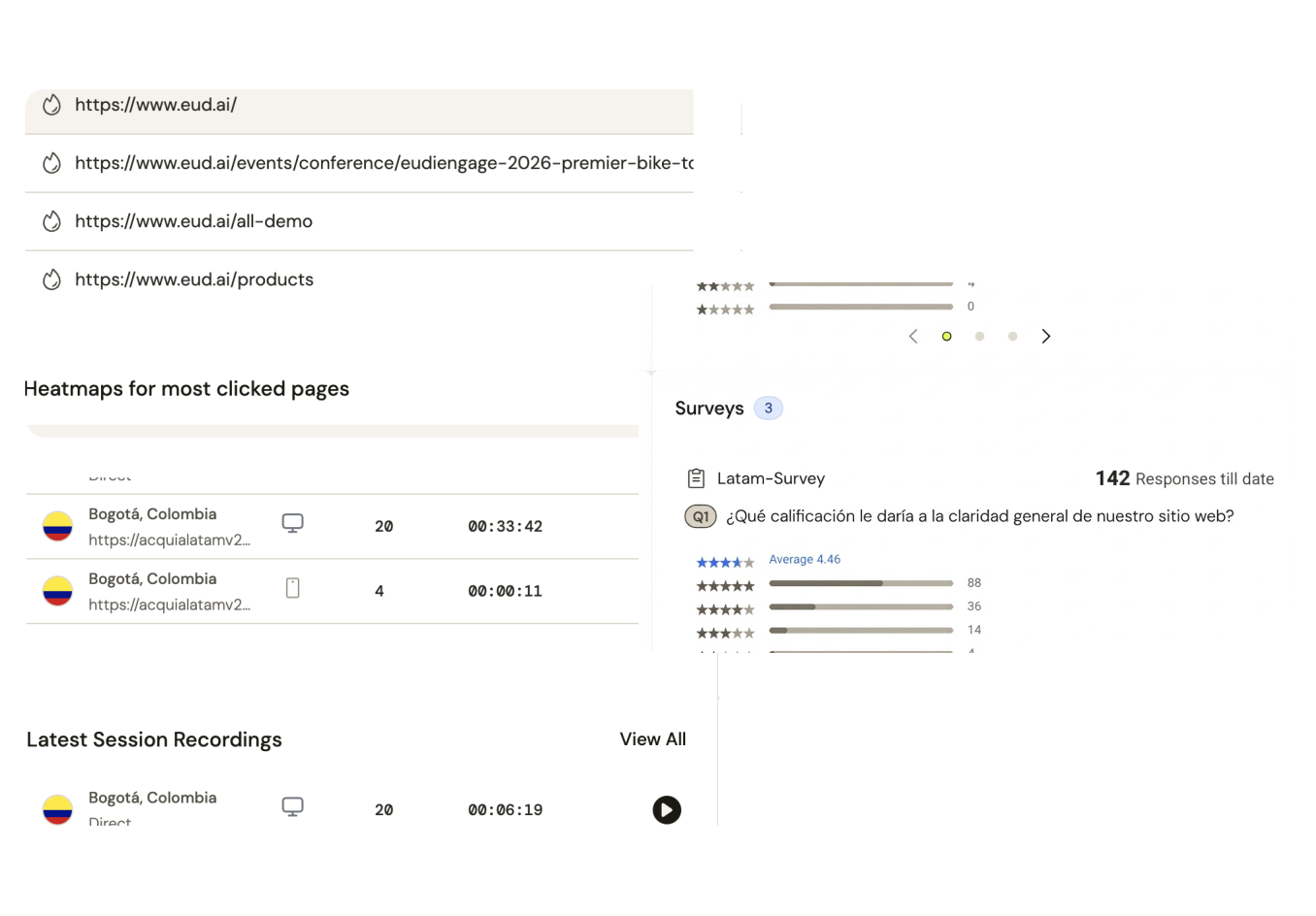
Understand why
Heatmaps, session recordings, funnels, form analytics, and surveys show why visitors do not convert, with AI surfacing the pattern in seconds.
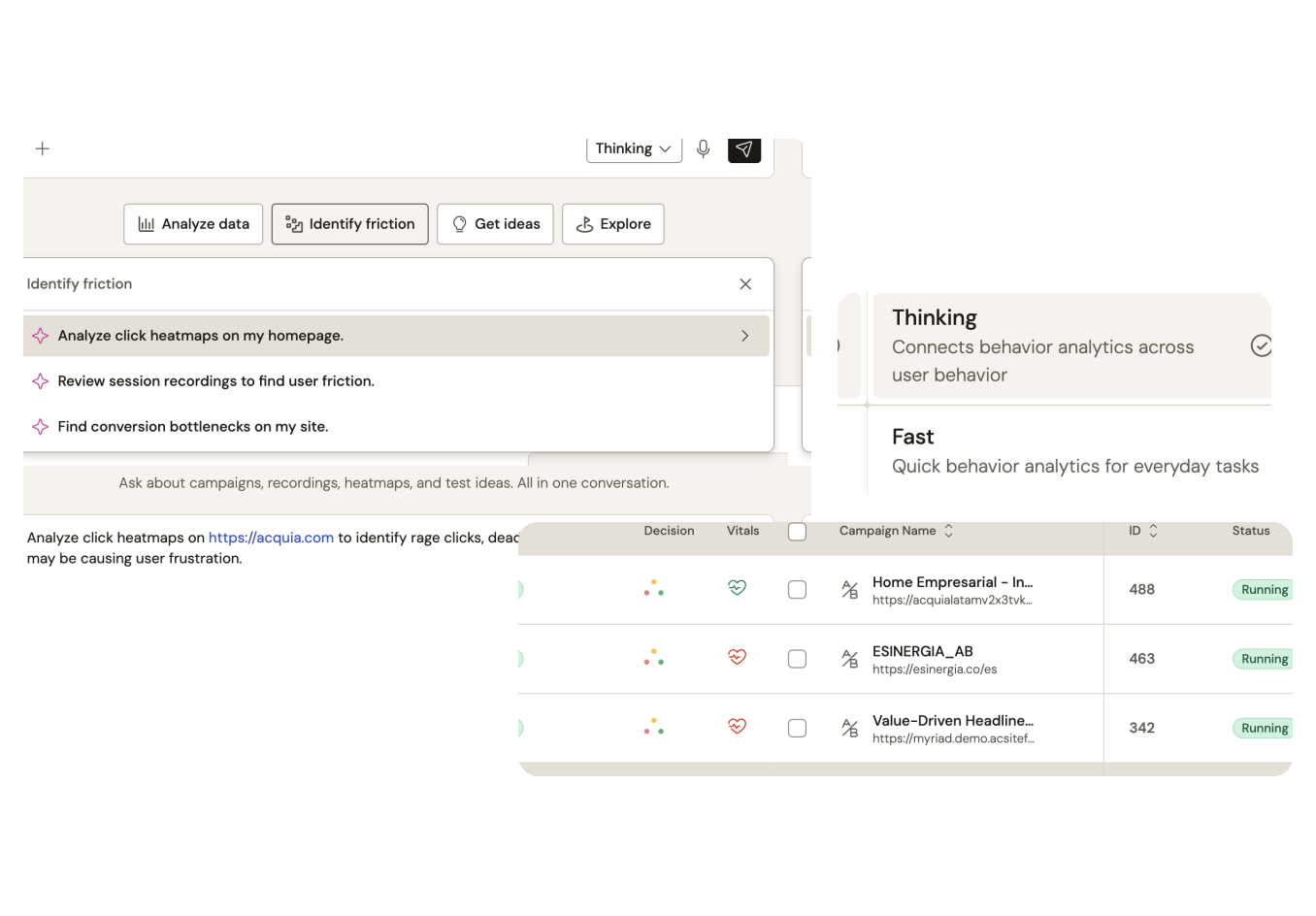
Validate what works
AI Co-Pilot proposes the hypothesis in seconds. Validate it with A/B, multivariate, and split URL testing on Bayesian statistics, no-code or with a developer.
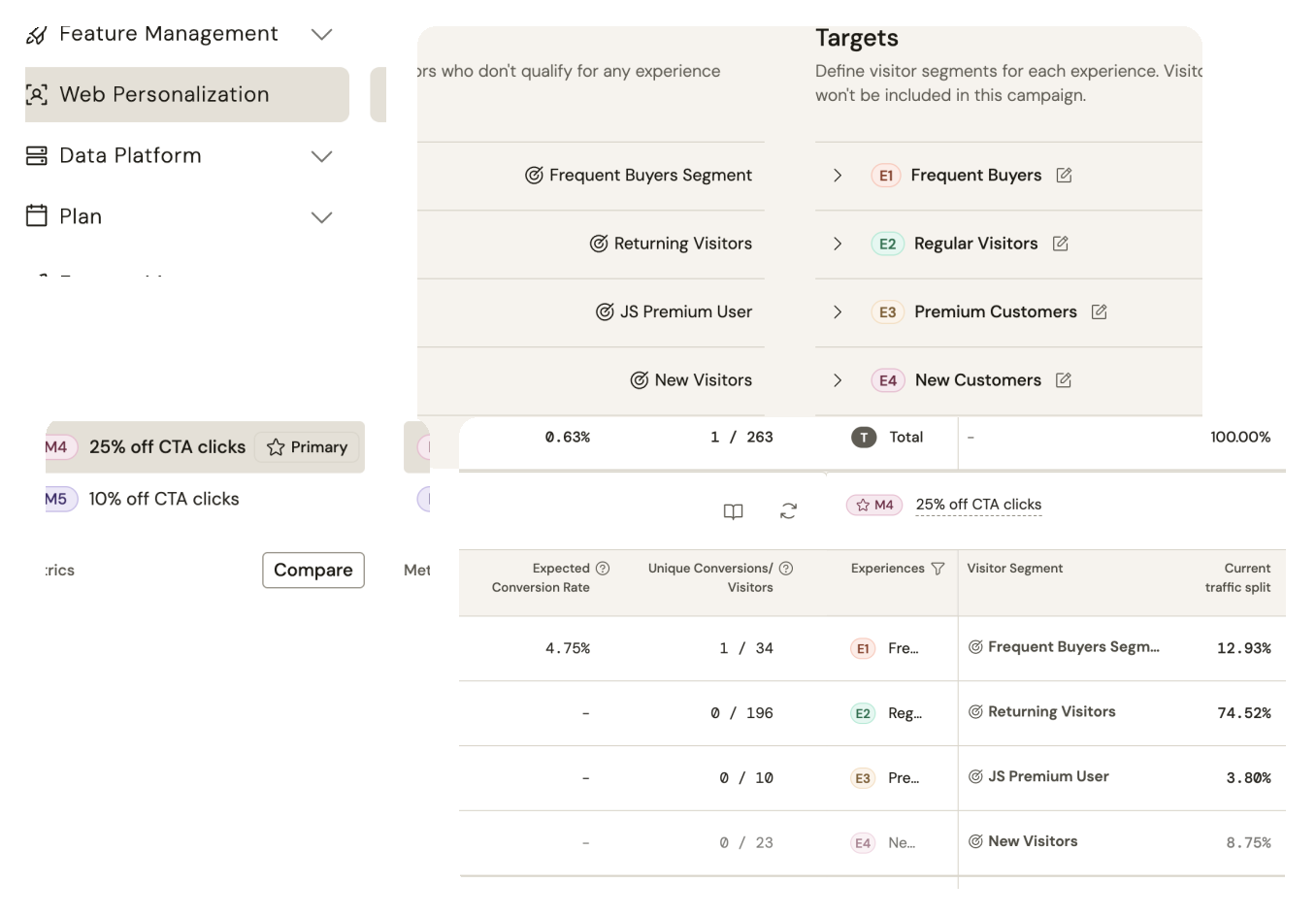
Personalize what matters
AI builds the audience in seconds. Then deliver the right experience by behavior, source, or profile data.
Capabilities
What you can do
Explore Core Capabilities
Watch Where Visitors Struggle
Heatmaps, session recordings, and funnels show exactly where conversion breaks down.
Build a Test Without Code
The visual editor turns an AI-suggested hypothesis into a live variation in minutes, no development queue.
Personalize the Right Experience
A segment builds from behavior and profile data, then the matching experience goes live automatically.
See Acquia Conversion Optimization in Action
Insights to testing to personalization
One conversion problem solved end to end: spot the drop-off in analytics, test a fix, personalize the winner for a key segment. The one-platform workflow argument, shown not told.
Want a closer look?
Move through the workflow at your own pace.
Make Every Visit Count
Acquia Conversion Optimization's insights, testing, and personalization have helped 2,500+ brands in 90+ countries boost conversions across the digital journey. Connect with an expert to learn more.
Or Try it Out for Free
Start a 30-day free trial to understand user behaviors, experiment rapidly, and tailor personalized journeys to drive results that make a difference.
Frequently Asked Questions
-
Acquia Conversion Optimization is a solution that helps you understand how visitors behave, test changes, and personalize experiences to improve conversion rates. Behavioral analytics, testing, and personalization work together in one place, so your team can move from insight to action without switching tools.
-
It gives you heatmaps, session recordings, funnels, form analytics, and on-page surveys. AI surfaces conversion patterns in your data, so you can see where visitors drop off and what may be causing it.
-
You can run A/B, multivariate, and split URL tests. Acquia Conversion Optimization uses Bayesian statistics, so you can read valid results while a test is still running. An AI co-pilot proposes hypotheses to test, and plain-language AI insights explain how each test performed.
-
No. Marketers can build variations with the no-code visual editor, without waiting on IT. Developers who want more control can use the code path instead.
-
AI helps you build audiences, and you can deliver experiences based on behavior, traffic source, or profile data. You can also layer first-party and third-party data to segment visitors more precisely.
-
Yes. Acquia Conversion Optimization includes native integrations with Drupal and Acquia DAM. It also offers 40+ additional integrations, including two-way connectivity with Google Analytics 4 (GA4).
-
A single code snippet powers analytics, testing, and personalization together, so you do not add separate scripts for each.
-
Yes. Feature flags and progressive rollouts let you release changes to a portion of your audience first. Automated QA checks and reporting help you confirm each change works as intended.
-
Start a free trial to explore Acquia Conversion Optimization on your own site, or request a demo to see it in action with your team.