

AI Agents That Do Real Site and Content Work
Acquia AI comes with content architecture and accessibility expertise built in. It does the site and content work, not just chat about it. It builds and fixes pages on your connected Source CMS sites, diagnoses issues on Cloud Platform, and keeps your asset library organized. It only acts where you give it access, and a person reviews everything before it ships.
AI You Can Actually Say Yes To

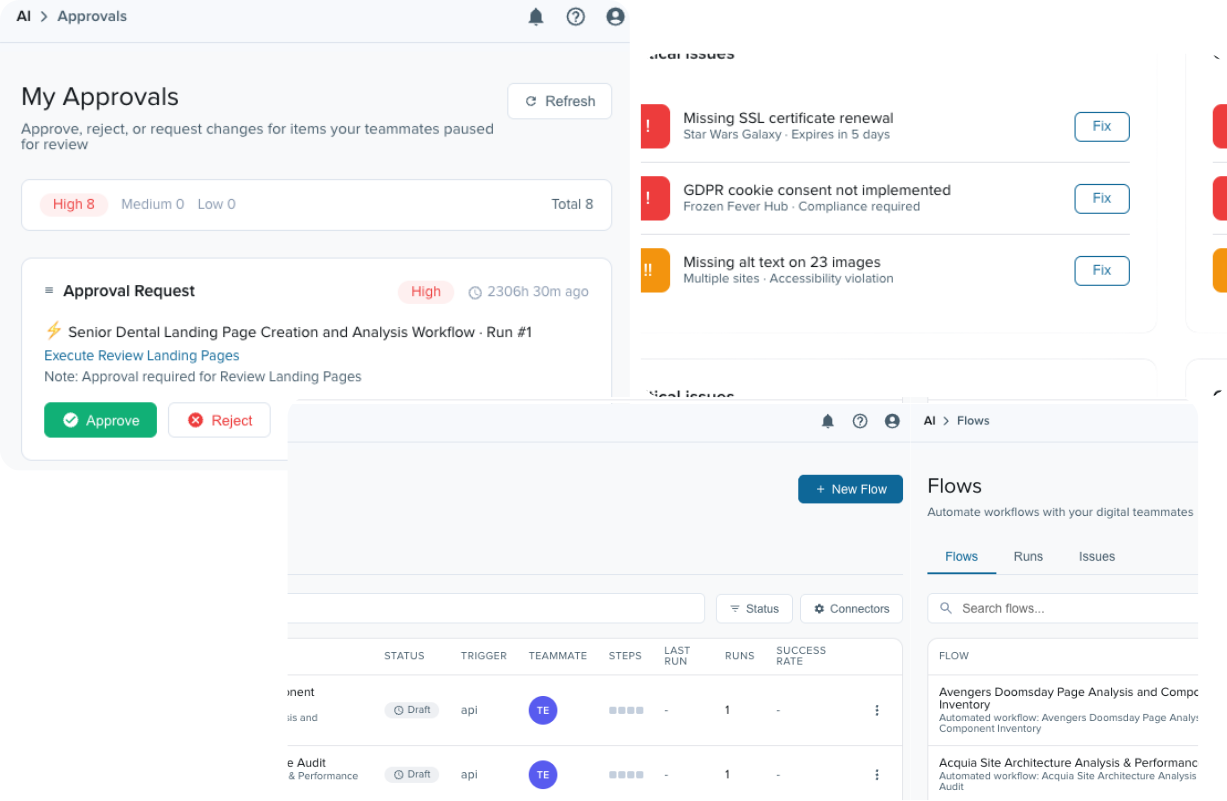
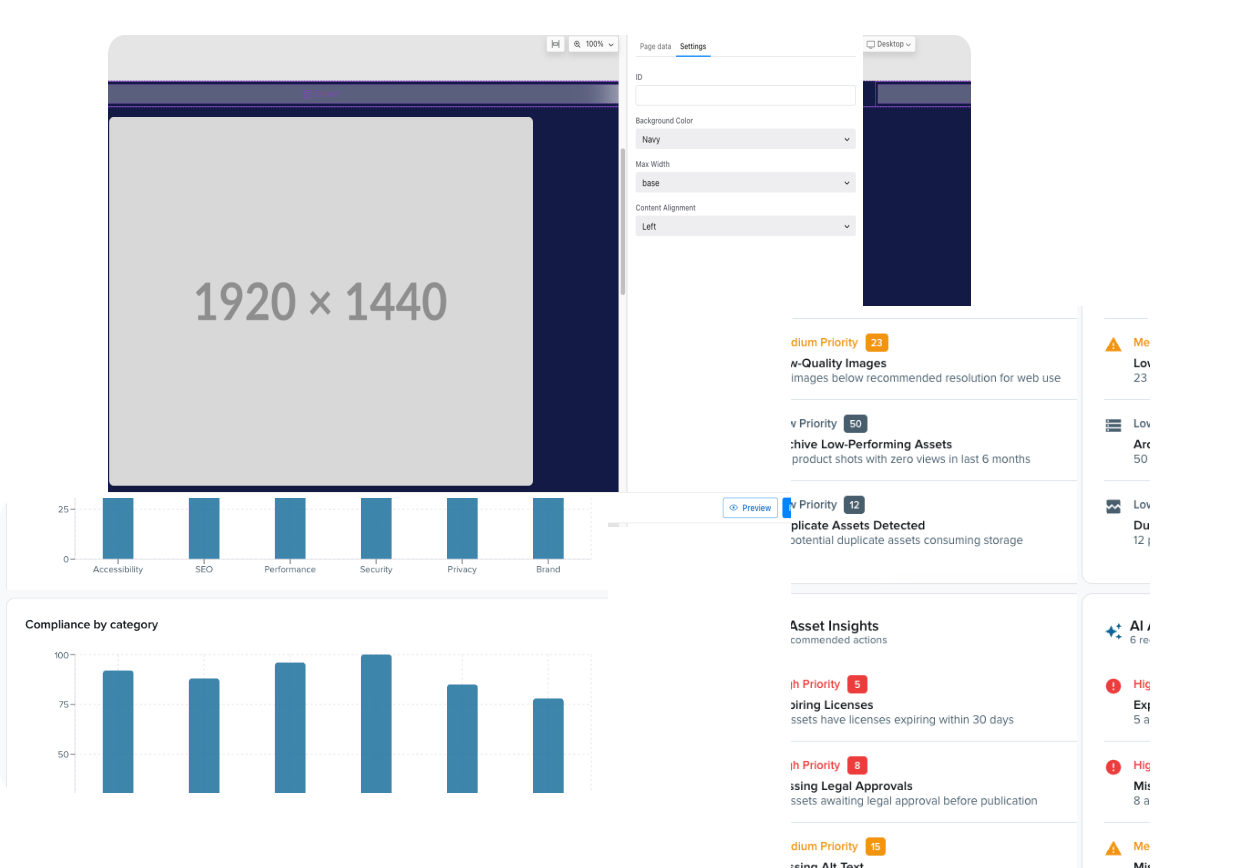
Works across your estate
Most AI tools are working in isolation. Acquia AI agents act across your sites, your asset library, and your live environments, and hand back finished work, not a task list.
Governance enforced
Human review is mandatory before anything reaches production. Every action is written to an audit trail, and agents carry their own service identities under role-based access control.
Built for this work
Twenty years of digital experience DNA. Acquia agents natively understand content architecture and accessibility, plus work from your context – a web page is never a generic output.
Capabilities
What Acquia AI Does Today
Acquia AI at Work
From brief to drafted page
A marketer describes a campaign page in a brief. The agent builds it from approved components and brand guidelines, and saves it as a draft. The marketer reviews it and publishes.
Diagnose a slow environment
A site slows down. A developer asks the agent to look into it. It correlates access, error, and slow-query logs with platform metrics, and reports exactly where the problem points and what to flag to Support.
An answer without a ticket
A marketer or a developer hits a platform question mid-project. Instead of filing a ticket, they ask Acquia AI, get a grounded answer with the documentation attached, and keep moving.
Request a Demo
Acquia AI is rolling out now in the Acquia Source.
- See exactly how Acquia Source fits your use case and workflows
- Get straight answers on pricing, implementation timeline, and setup
- Meet the dedicated team who'll support you through your rollout
Frequently Asked Questions
-
Acquia AI is the AI layer within Acquia Source. Its agents do real site and content work, such as building pages, updating content, and checking accessibility, alongside your team with governance built in.
-
No. Acquia AI is a capability within Acquia Source, not a separate product or SKU. It is included with each of the three ways into Acquia Source: Acquia Source CMS, Acquia Cloud Platform, and Acquia DAM. Usage is covered by a token-based entitlement.
-
A chatbot talks about the work. Acquia AI agents do it. They hand back finished work, such as a drafted page built from your brief, rather than a task list. They act across your sites, asset libraries, and live environments.
-
No. A person reviews every action before it ships. You see the full result before you approve it, and every action is written to an audit trail.
-
Agents work only where you give them access. Access follows the team and role-based permissions you already use, so you do not have to build a second set of rules for AI.
-
Agents can:
- Build structured, drafted pages from a written brief using your existing components.
- Apply a content change once across multiple Source CMS sites.
- Check pages against accessibility (WCAG), data privacy, and readability guidelines.
- Diagnose environment issues by correlating logs and platform metrics, with recommended fixes.
- Search for and recommend approved assets, and keep tags and metadata consistent in your asset library.
- Post summaries to Slack.
-
Acquia AI reads your brand guidelines from context and applies them as it works. It grounds its output in your verified content using retrieval-augmented generation (RAG). Because the agents are built on two decades of digital experience work, they understand content architecture and accessibility from the start.
-
The Acquia AI Advisor gives marketers and developers answers sourced from Acquia documentation while a project is underway. If you need more help, it guides you to a handoff with Acquia Support, so you do not need to open a ticket first.
-
Request a Demo to see Acquia AI work on your own use case. Our team can walk you through the three ways into Acquia Source and what is included with each.